
Video Downloader App vs Website on Android: Why Apps Win
Choosing between a video downloader app and a browser-based website on Android? The differences go far beyond convenience — gallery integration, background downloads, and built-in editing tools change everything.
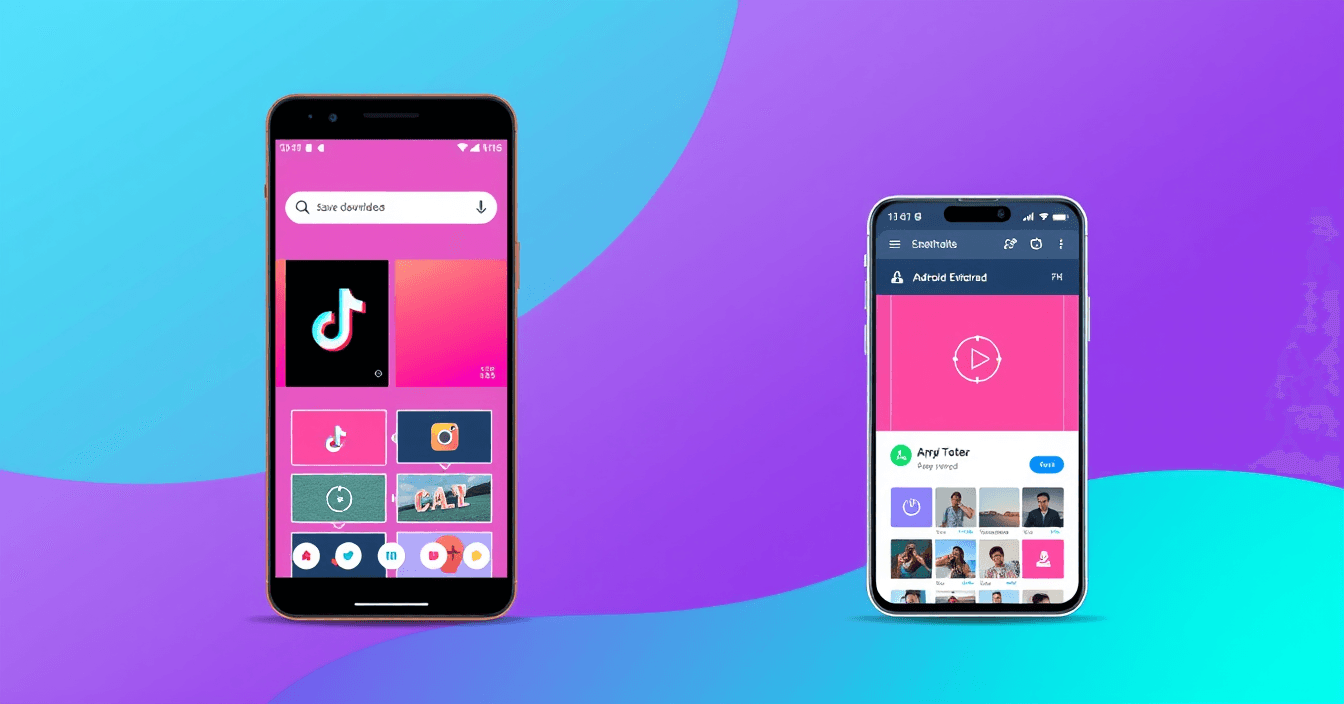
When you weigh a video downloader app vs website on Android, the gap is bigger than most people expect. Browser-based tools drop files in a Downloads folder you have to dig through, stop downloading the moment you lock your screen, and hand you a file with no way to edit it. A native Android app does none of that. Here's exactly what changes when you switch from a website to an app — and when sticking with the browser actually makes sense.
What the App vs. Website Comparison Is Really About
Both a native app and a browser-based downloader accept a video URL and give you a file. That's where the similarity ends. A browser-based tool runs inside Chrome or Samsung Internet's sandbox — the browser decides where files go, whether a download survives a screen lock, and what happens after the file is saved. A native Android app talks directly to the Android file system, the gallery, background services, and the share sheet. Those aren't small differences in presentation; they're architectural differences that affect every single save you make.
The SnapDownloader Android app is a practical example of how much those differences stack up in daily use. The points below are all concrete behaviors, not theoretical advantages.
Downloads Go Straight to Your Gallery
When you save a video through a mobile browser, it lands in your Downloads folder. Then you open Files, locate the video, and move it manually — or you remember that your saved videos live somewhere completely separate from your camera roll and develop a habit of looking in two places.
The SnapDownloader Android app sends every completed download directly to your device's Gallery. The moment a save finishes, the video appears alongside your other photos and clips — no folder hunting, no manual moving. Save an Instagram Reel through the app and it's in your gallery before you've switched back to Instagram.
For occasional saves, the Downloads folder is tolerable. For anyone who regularly saves content from platforms like TikTok, Instagram, or Facebook, the gallery integration removes an annoying manual step on every single save. That adds up.
Background Downloads: Your Phone Is Free to Do Other Things
This is the friction point most people hit within the first few minutes of using a browser-based downloader on mobile. You paste the URL, tap download, and then you're stuck. Switch to another app — the download pauses. Lock the screen — the download dies. You end up watching a progress bar instead of doing anything else.
Native apps don't have that problem. SnapDownloader runs downloads as Android background services, which means:
- You can switch to any other app immediately after starting a download
- The screen can lock and the download keeps running
- You get a notification when it's finished — no babysitting required
In practice, you can start downloading a longer Facebook video, reply to some messages, and find the clip waiting in your gallery when you're done. That's normal app behavior, and it makes a real difference when the video is more than a minute long or your connection is slow.
Built-In Editing Tools the Web Version Doesn't Have
A browser-based downloader ends its relationship with you when the file lands on your device. A native app can keep going. The SnapDownloader Android app includes five editing tools built into the same interface you use to download — no separate apps needed:
- Video trimmer — cut unwanted sections from the start, end, or middle of any video using a frame-accurate seek bar. Useful when you save a Facebook video but only need a 30-second clip.
- Video compressor — reduce file size while preserving acceptable quality. Especially practical for WhatsApp, which enforces a 16 MB video limit by default on most Android devices.
- Video merger — combine multiple clips from your gallery into one MP4. Pick them, reorder them, export as a single file.
- Audio extractor — pull the audio track from any video stored on your device and save it as an MP3.
- Audio replacer — swap a video's existing audio for a different file. Useful for adding background music or replacing narration on a clip you shot yourself.
None of these tools exist on the SnapDownloader web version. They're Android-app-only features. If you save a TikTok clip and want to trim it before sharing, or compress a video to fit under a messaging size limit, the app handles it without sending you to a third app.
Share-Sheet Integration: Two Taps Instead of Five
Once SnapDownloader is installed, it registers with Android's native share sheet. That means when you long-press a video link inside TikTok, Instagram, Reddit, Chrome, or any other app, you'll see the standard "Share" option in the context menu. Tap Share, select SnapDownloader, and the download starts — without ever leaving the app you were already using.
Compare that to the browser-based workflow: copy the link, open your browser, navigate to the site, paste the URL, tap download. That's five steps. The share-sheet route is two. For a single save, it's a minor convenience. For saving content regularly, it becomes the reason you actually keep using the app rather than reverting to the browser.
The in-app download history is another quiet advantage. The SnapDownloader app keeps a local log of everything you've saved, so you can re-watch or re-export something without hunting through your gallery. The web version is session-anonymous — no history, no log.
Side-by-Side Comparison: App, Web, and Screen Recording
Here's how the three most common ways Android users save video stack up across the features that matter most:
| Feature | SnapDownloader App | SnapDownloader Web | Screen Recording |
|---|---|---|---|
| Gallery integration | ✅ Automatic | ⚠️ Downloads folder | ✅ Auto-saved |
| Background downloads | ✅ Yes | ❌ Browser-dependent | ❌ Screen must stay on |
| Download history | ✅ In-app log | ❌ No history | ❌ No log |
| Share-sheet shortcut | ✅ Yes | ❌ Manual copy-paste | ❌ No |
| Video trimmer | ✅ Built-in | ❌ Not available | ❌ Not available |
| Video compressor | ✅ Built-in | ❌ Not available | ❌ Not available |
| Audio extractor (MP3) | ✅ Built-in | ⚠️ URL-to-MP3 only | ❌ Not available |
| Works without install | ❌ Requires install | ✅ Open browser, go | ✅ Built into Android |
| Original video quality | ✅ Up to 1080p | ✅ Up to 1080p | ❌ Screen resolution only |
| Cost | Free (optional ad-free IAP) | Free | Free |
When the Web Version Is the Better Choice
The app wins for regular Android use, but there are real situations where the website is the right tool:
- You're on a borrowed or shared device and don't want to install anything. Open Chrome, paste a URL, done.
- You need a one-time download and have no intention of saving video regularly.
- You're on an iPhone or iPad — there's no SnapDownloader iOS app. The web version at snapdownloader.net works fully in Safari, and downloads land in the Files app.
- You're on a Mac or Windows PC — the web version covers desktop without any installation required.
The web version supports the same platforms — including the Instagram downloader, the TikTok video saver, and the Facebook video downloader — with the same paste-and-download simplicity. It's a genuinely solid option for infrequent use or any device that isn't Android.
For Android users saving content more than once or twice a week, the native app removes enough friction that it becomes the obvious long-term choice.
Platforms, Quality, and a Note on Personal Use
Both the app and the web version support the same source platforms: Instagram (Reels, posts, Stories, carousels, IGTV), TikTok, Facebook, X/Twitter, Pinterest, LinkedIn, and Snapchat Spotlight. Output is MP4 up to 1080p — depending on what the source platform actually serves — or MP3 for audio-only saves.
A few platform-specific things worth knowing: Instagram compresses uploads, so 1080p is the realistic ceiling even when a creator shot in higher resolution. TikTok videos are fetched from TikTok's CDN, which for most content serves a version without an embedded watermark — that's a side effect of how TikTok's delivery infrastructure works, not a separate watermark-removal feature. Both tools only work on public content; private accounts and restricted posts are not accessible.
Keep your use case personal — saving public videos for offline viewing, archiving your own posts, or referencing a clip for research or commentary. If you want to repost or use someone else's content commercially, get in touch with the original creator first.
Getting the SnapDownloader Android App
The app runs on Android 7.0 and later, which covers the overwhelming majority of Android devices in use today. Installing it takes about a minute:
- Open the Play Store on your Android device.
- Search for SnapDownloader, or go directly to the Play Store listing.
- Tap Install and wait for it to finish.
- Open the app, paste a video URL from any supported platform, and tap Download.
- The video appears in your gallery when complete — no extra steps.
After a few saves, try the share-sheet shortcut: long-press a video link in any app on your phone, tap Share, and select SnapDownloader. It's the fastest way to save video on Android once you know it's there, and it's the feature that tends to make the comparison between a video downloader app vs website on Android feel completely one-sided.
FAQ
Keep reading
All posts →How to Save Public Facebook Videos to Your Phone in HD (2026)
Facebook has no built-in download button, but saving public videos to your phone in HD takes under a minute. Here's exactly how to do it on iPhone and Android — free, no signup needed.
Sponsored Post Rates 2026: What Creators Should Charge
What brands actually pay per sponsored post in 2026, how the per-1,000-follower math works, and how to set a rate you can defend in a negotiation.
How to Back Up Your Own TikTok Videos Before Deleting
Leaving TikTok or clearing out your account? Here is how to back up your own TikTok videos, drafts, covers and profile picture before anything disappears.