
How to Download TikTok Thumbnails and Cover Images in HD
Save any public TikTok cover image at full quality — original still, standard thumbnail, and the animated WebP cover when a post has one. No login needed.
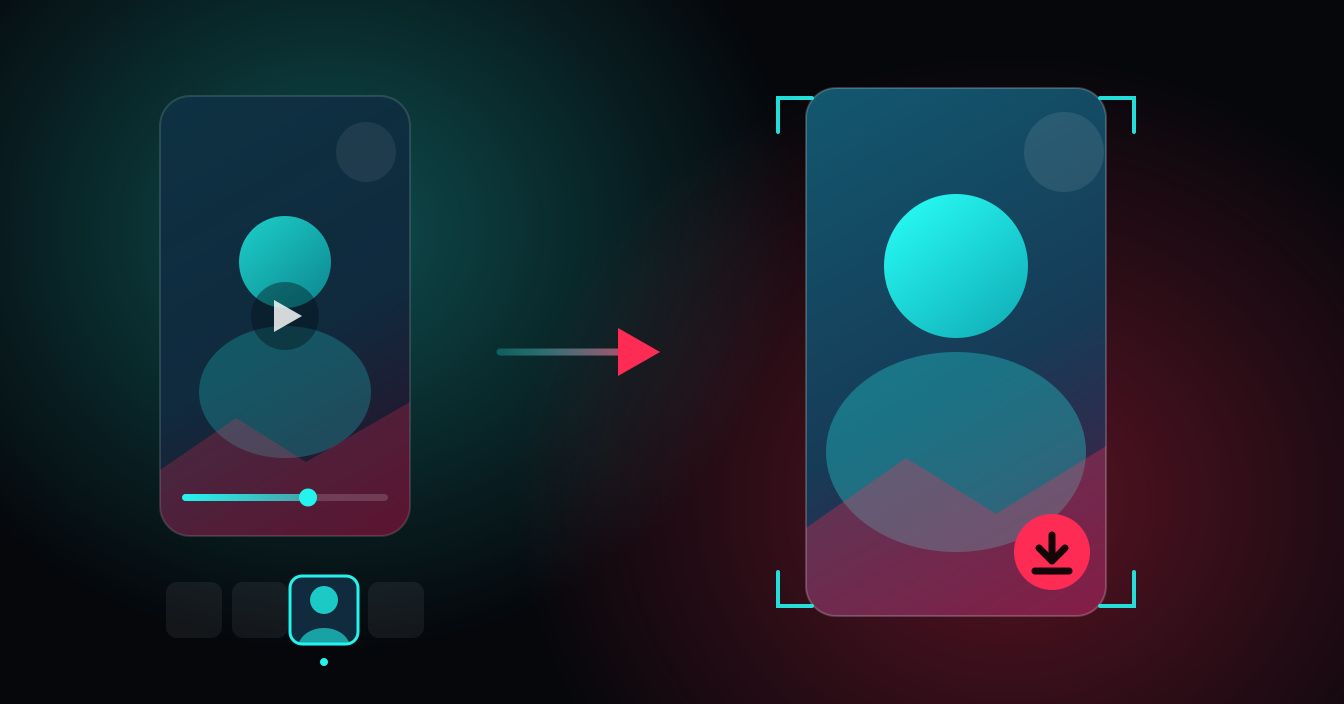
The cover image is the first thing anyone sees of a TikTok — in the For You grid, in search, and on a creator's profile. If you want to download a TikTok thumbnail at the size TikTok actually serves it, you can pull the original cover file straight from a link, without an account and without screenshotting a paused frame.
This guide explains what a TikTok cover really is, which files you can get back, how to copy a link that works, and why some covers come back sharper than others.
What a TikTok thumbnail actually is
A TikTok cover is not generated by the app at random. When someone posts, they pick a frame from their own video on the "Select cover" screen, or upload a separate image, and TikTok stores that as the post's cover. Everything you see in a feed grid is that one file, scaled down.
There is a second layer most people never notice: many posts also carry an animated cover, a short looping clip TikTok plays when a video scrolls into view on a profile grid. It is stored as a WebP file, not an MP4, and it only exists on posts where TikTok generated one. Older uploads and simple photo posts usually have the still image only.
Covers are typically served at 9:16 vertical, around 720 x 1280 for recent posts. That is the shape of the source video, so a cover pulled from a landscape or square upload will not match those numbers.
The three files you can get back
The TikTok thumbnail downloader shows every cover file a post has, so you can take the one that fits what you are doing rather than settling for whichever version a tool decided to give you.
| File | What it is | Best for |
|---|---|---|
| Original cover | The source cover at its full stored resolution, untouched | Anything reused in a document, deck or moodboard |
| Standard still | A smaller static thumbnail of the same frame | Quick reference, notes, lightweight files |
| Animated cover | The looping WebP preview, when the post has one | Studying how a creator hooks the first second |
If a post only offers the still image, that is the post, not a fault in the fetch. Not every upload gets an animated cover.
Copy a TikTok link that works
Every share path on TikTok produces a slightly different URL, and all of the common ones are accepted:
- The app's Share menu. Tap the arrow on a video, then Copy link. This gives a short link like vt.tiktok.com/... or vm.tiktok.com/... depending on your region.
- A /t/ short link, which is what you get from some in-app share sheets and messages.
- The full web address in the form tiktok.com/@username/video/1234567890, straight from your browser's address bar.
Paste whichever one you have. There is no need to expand a short link first or clean tracking parameters off the end.
Saving the cover on your device
iPhone (Safari)
SnapDownloader has no iOS app and does not need one — open the tool in Safari, paste the link, and tap the download control under the cover you want. iOS hands the file to the share sheet, where Save to Files puts it in Downloads. For the still image you can also press and hold the preview and choose Save to Photos to send it to your camera roll instead.
Android (Chrome)
Chrome writes the file to your Downloads folder and posts a notification when it lands; tap that to open it in Google Photos or your gallery. If you are already inside TikTok, the fastest route is the app's Share arrow, Copy link, then switch to Chrome and paste.
Desktop
Copy the address from the browser bar on tiktok.com, paste, fetch, and download. On desktop you can also right-click the preview and pick Save image as if you want to name the file yourself — worth doing when you are collecting a batch of covers and want them ordered.
Why some covers come back soft
The cover is only as good as what the creator gave TikTok. Three things account for nearly every blurry result:
- The source video was low resolution. A cover frame lifted from a 480p upload cannot contain detail the video never had. Downloading it faithfully preserves a soft image.
- The frame itself was in motion. If a creator picked a cover from a fast pan or a jump, the frame carries real motion blur. That is in the file, not added by the download.
- Heavy in-app effects. Filters, stickers and text overlays are baked into the cover before TikTok stores it, and busy overlays compress worse than clean footage.
What a downloader will never do is invent detail. You get the original cover as TikTok stores it — nothing upscaled, nothing sharpened, nothing re-encoded a second time on the way to you.
Picking a stronger cover for your own posts
Once you have studied a few downloaded covers side by side, the pattern behind the good ones gets obvious. Three habits do most of the work.
Choose a frame, don't accept one. TikTok defaults to an early frame of your video, which is often a half-turned head or a blurred hand. The cover picker lets you scrub the whole clip — spend ten seconds there and take a frame where the subject is still and facing the camera.
Respect the grid crop. Your profile shows covers as a tighter rectangle than the full 9:16 frame, so anything near the top or bottom edge gets clipped. Keep the face, product or key text roughly in the middle third and it survives every surface the cover appears on.
Check it small. A cover that reads well full-screen can turn to mush at grid size. Save your own cover with the thumbnail tool, shrink it on your phone until it is about the size of a search result, and see whether you can still tell what the video is about. If you cannot, neither can anyone scrolling.
What people actually use saved covers for
Cover images are the highest-leverage frame on the platform, which is why they get studied so closely. Common uses:
- Grid planning. Creators pull their own covers to lay out a profile grid and see whether the colours and framing hold together before publishing the next post.
- Hook research. Collecting covers from strong posts in your niche shows you patterns fast — face vs product, text placement, how much of the frame is empty.
- Reference and reporting. Agencies drop covers into decks and monthly reports where an embedded video will not play.
- Recovering your own artwork. If you uploaded a custom cover and lost the original file, the stored version is still there.
One thing worth saying plainly: a cover is a creator's work. Saving public covers for reference, planning or study is ordinary use, and reposting one as your own is not. Credit the account if the image goes anywhere public, and ask first before using someone's frame commercially.
Where the rest of the TikTok tools sit
Thumbnails are one piece. If you want the video behind the cover, the TikTok video downloader saves the MP4 itself, and the TikTok profile picture downloader pulls a creator's avatar at the size the platform stores. Covers on other platforms work the same way through the Instagram thumbnail downloader.
On Android, the SnapDownloader app is worth having if you save videos regularly rather than occasionally: downloads land straight in your gallery, they keep running when you switch apps, and TikTok's share sheet can hand a link to the app directly instead of you copying it into a browser. Everything here is free, and the web tools need no signup at all.
FAQ
Keep reading
All posts →How to Save Public Facebook Videos to Your Phone in HD (2026)
Facebook has no built-in download button, but saving public videos to your phone in HD takes under a minute. Here's exactly how to do it on iPhone and Android — free, no signup needed.
Sponsored Post Rates 2026: What Creators Should Charge
What brands actually pay per sponsored post in 2026, how the per-1,000-follower math works, and how to set a rate you can defend in a negotiation.
How to Back Up Your Own TikTok Videos Before Deleting
Leaving TikTok or clearing out your account? Here is how to back up your own TikTok videos, drafts, covers and profile picture before anything disappears.