
Can You Download Snapchat Videos in HD? The Honest Answer
A Snapchat download is the exact file Snapchat serves, and we measured public Stories at 480 × 852. Why it isn't 1080p, and what helps.
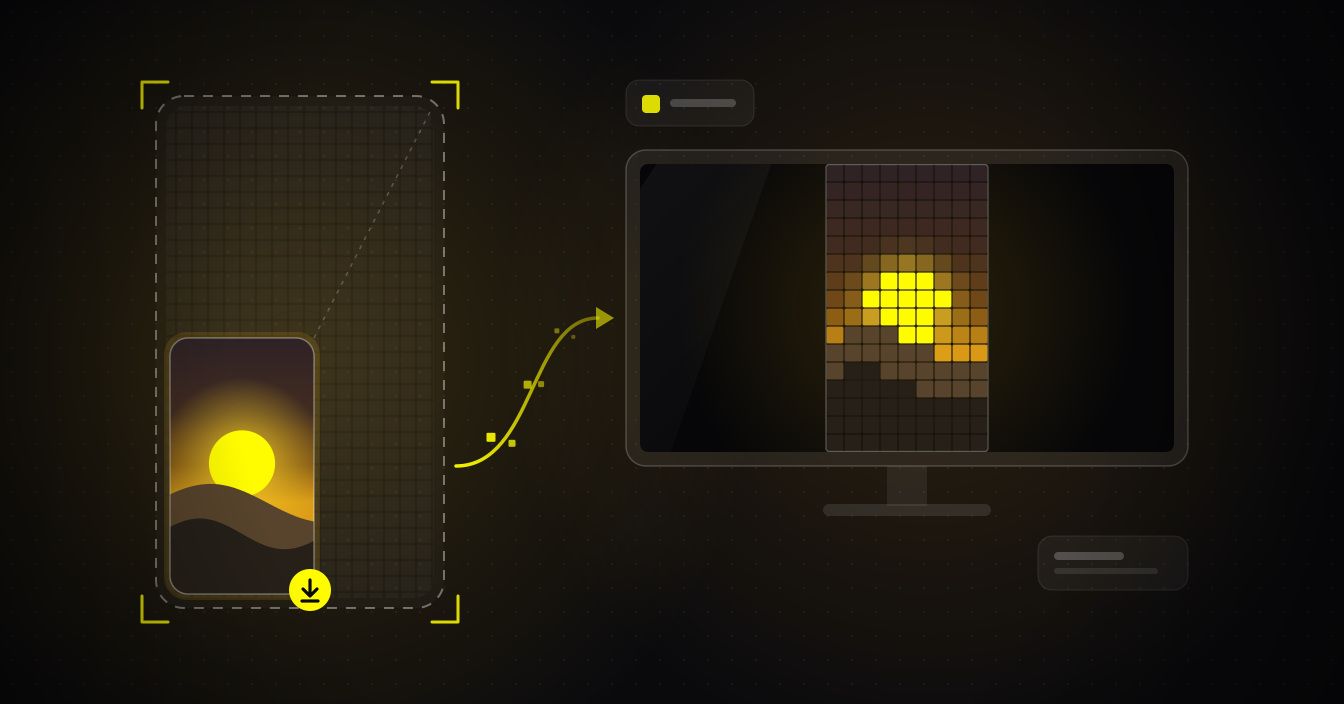
Search for a way to download a Snapchat story in HD and you'll find pages promising 1080p, even 4K. What you actually get is the exact MP4 Snapchat serves, with its sound, and SnapDownloader neither re-encodes nor upscales it; our September 2026 measurements put live public Stories at 480 × 852 and Spotlight clips at 540 × 960. Here's why that's well under 1080p, what decides it, and why a saved Snap can look softer than it did in the app.
The short answer: can you download Snapchat videos in HD?
Paste a public Spotlight or Story link into the SnapDownloader Snapchat downloader and you get exactly one MP4 with the sound already in it. There's no quality menu, because a clip's public page points to a single video file: there's no sharper version tucked away for any tool to fetch. The tool gives you that file as Snapchat provides it, and it never upscales.
The real question is what Snapchat puts in that file, and Snap doesn't publish it, so we measured the files themselves in September 2026. Every public Spotlight clip we measured, from the public feed and from five large creator and business profiles, was 540 × 960 pixels or smaller, and Snapchat's own page data gave the same sizes for more than 100 Spotlight clips we looked at. Every live public Story snap we measured was 480 × 852. Stories saved to public profiles were mostly that size too, a few were smaller, and the sharpest we found was 720 × 1280. Nothing reached 1080 × 1920, and nearly every file carried an AAC audio track.
Snapchat can change those sizes at any time, and a clip you check may differ. But they explain why a Snapchat download doesn't look like Full HD: the public copy isn't Full HD to begin with. A downloader can't hand you more than Snapchat stored, and a web tool can't hand you more than Snapchat serves publicly. The highest-quality copy you can get is that public file, untouched.
What 1080p means for a vertical Snapchat video
Names like 1080p come from landscape video, where the number counts the rows of pixels from top to bottom. Stand the frame upright and the same name describes the short side. Snapchat is a vertical 9:16 format, so a 1080p Snap is 1080 pixels wide and 1920 tall, a little over two million pixels in every frame.
Snap's own help page on posting Stories from the web confirms the shape: it says Snapchat content has a 9:16 aspect ratio, crops uploads to fit, and sets a minimum resolution of 540 × 960. That minimum matters here, because it's the size nearly every public Spotlight file we measured turned out to be.
| Vertical resolution | Pixels per frame | Share of 1080 × 1920 | Where it fits on Snapchat |
|---|---|---|---|
| 1080 × 1920 (Full HD, 1080p) | 2,073,600 | 100% | Full HD in a vertical frame. None of the public Snapchat files we measured were this size. |
| 720 × 1280 (HD, 720p) | 921,600 | 44% | Where "HD" conventionally starts. The sharpest saved Story we found. |
| 540 × 960 | 518,400 | 25% | Snap's minimum for Stories posted from the web, and the size of nearly every public Spotlight file we measured. |
| 480 × 852 | 408,960 | About 20% | Every live public Story we measured, and most Stories saved to profiles. |
| 360 × 640 | 230,400 | About 11% | A few Stories saved to profiles. |
Halve both sides of a frame and you keep a quarter of the pixels, which is exactly the gap between 540 × 960 and 1080 × 1920. At arm's length on a phone, that difference is easy to miss. On a laptop or a TV, it isn't.
What decides the quality of a Snapchat download
Four things stack up before a clip reaches your Downloads folder, and a downloader controls none of them.
- The camera and the light. A clip filmed on an older phone, in a dim room or with an unsteady hand is soft before Snapchat touches it. Snap's support pages say as much: shaky or blurry video Snaps can be an issue with the device rather than the app.
- How it was posted. Snapchat fits everything to 9:16, so a landscape video either loses its sides or ends up letterboxed with black bars. A clip that was saved from another app and re-posted has already been compressed at least twice.
- Snapchat's encoding. Snapchat re-encodes uploads into its own streaming copies, and it doesn't publish the bitrate or resolution it uses. Its recommendation guidelines list blurry, low-resolution, pixelated and letterboxed video as substandard, but give no numbers.
- The public copy. This is the file Snapchat serves to anyone who opens a clip's link in a browser, and it's the file SnapDownloader reads. In our measurements, that meant 540 × 960 for Spotlight and 480 × 852 for live Stories.
Why "1080p" or "4K" Snapchat downloads can't add detail
If the file Snapchat serves is 540 × 960, the only way to produce a "1080p" version is to resize it. Stretching it to 1080 × 1920 turns every original pixel into four, with the new ones filled in by blending their neighbors. The file gets bigger; the picture doesn't get sharper. So if a downloader promises 1080p from a 480 × 852 Story or HD from a 540 × 960 Spotlight clip, either the file has been resized or the label is wrong. A "4K" label is the same story with a larger multiplier: at 2160 × 3840, fifteen of every sixteen pixels are invented.
Enhancement filters go a step further and guess at edges and texture. The result can look smoother, sometimes waxy, but it's an estimate of what the clip might have looked like rather than the clip itself. That's why SnapDownloader offers no upscaled "HD" option: it would mean handing you pixels nobody filmed.
You can check any download yourself by looking at the file's dimensions. On a Mac, Get Info in Finder lists them; on Windows, open Properties and then Details; many Android gallery apps show them under Details too. Whatever a download page promised, those numbers tell you what you actually have.
Why a saved Snap looks worse than it did in the app
Part of the difference is simply where you're watching. A phone screen is small enough to hide most of the softness in a 540 × 960 clip. Put the same file on a laptop or a TV and each of its pixels is drawn physically much larger, so the softness your phone hid becomes visible. And because a vertical clip only fills a narrow strip down the middle of a landscape display, it looks smaller at the same time.
Compression hides well on a small screen too. Fast motion, confetti, water and dark scenes are the hardest material to compress, and blockiness you'd never spot on a phone becomes obvious once the picture is enlarged.
The third culprit is re-sharing. Messaging apps usually shrink videos so they send faster, and every re-upload to another platform re-encodes the clip again. Each pass discards detail that no later step can bring back.
What you can and can't do about it
- Do download from the original clip's link, not from a repost or a screen recording someone forwarded.
- Do treat the file you downloaded as your master copy, and share that file instead of saving forwarded versions.
- Do send it as a document, or with your messaging app's HD option where there is one, when the person receiving it should see what you saw.
- Do go back to the source if the clip is yours. Snapchat lets you save Snaps you posted to Spotlight from the Spotlight & Snap Map section of your profile, and an original kept in your camera roll beats any copy.
- Don't expect any tool to restore lost detail, find a sharper version than the public page offers, or open private, friends-only or chat snaps. That content isn't publicly available, so no downloader can reach it.
Getting the best copy on iPhone and Android
The steps don't change with quality. In Snapchat, tap the share arrow on a public Spotlight clip or Story and choose Copy Link, then paste the link into the downloader and press Download. You'll get one MP4.
iPhone (Safari)
There's no SnapDownloader iOS app, and you don't need one. Safari saves the MP4 to the Files app, usually in Downloads; from there, tap Share and then Save Video to move it into Photos. Our guide to where downloaded videos go on iPhone has the details.
Android (Chrome or the app)
Chrome saves the file to your Downloads folder. The SnapDownloader Android app on Google Play saves straight to your gallery instead and keeps downloading in the background if you switch apps. The app is also the route to audio only: the Snapchat page has no MP3 button, because the sound is already inside the MP4. Download the video, then use the app's audio extractor, as explained in our guide to extracting audio as MP3 on Android. The website itself has no editing tools.
If you mainly want a Spotlight clip in your camera roll, our walkthrough on saving Snapchat Spotlight videos to your gallery covers every tap. Either way, stick to public clips, keep what you save for your own viewing, and ask the creator before you repost anything.
The honest bottom line on Snapchat HD
Whether a Snap is HD is settled when it's filmed, uploaded and encoded, long before anyone downloads it. Right now the public copy is usually a quarter of Full HD or less, and no downloader can change that. What a good one can do is hand you that copy untouched, with its sound, and tell you plainly what it is.
Paste a public clip into the Snapchat video downloader, check the file's dimensions, and you'll know exactly what Snapchat served. There's no signup and nothing to install.
FAQ
Keep reading
All posts →Download Snapchat Story Videos From a Public Link (2026)
Copy a public Story's link, paste it, and save each snap as an MP4 with sound. Steps for iPhone and Android, real quality, and why links expire.
Instagram Reel Thumbnail Size, Aspect Ratio and Safe Zone
Meta's only official Reel cover size, why 1080 × 1920 works better, what the 3:4 grid and Reels tab cut off, and where faces and text stay safe.
How to Save Public Facebook Videos to Your Phone in HD (2026)
Facebook has no built-in download button, but saving public videos to your phone in HD takes under a minute. Here's exactly how to do it on iPhone and Android — free, no signup needed.