
Video Download Quality by Platform: What You Really Get
Why saved clips look softer than the app, the real resolution ceiling on Instagram, TikTok, Facebook, X and Pinterest, and how to take the best copy available.
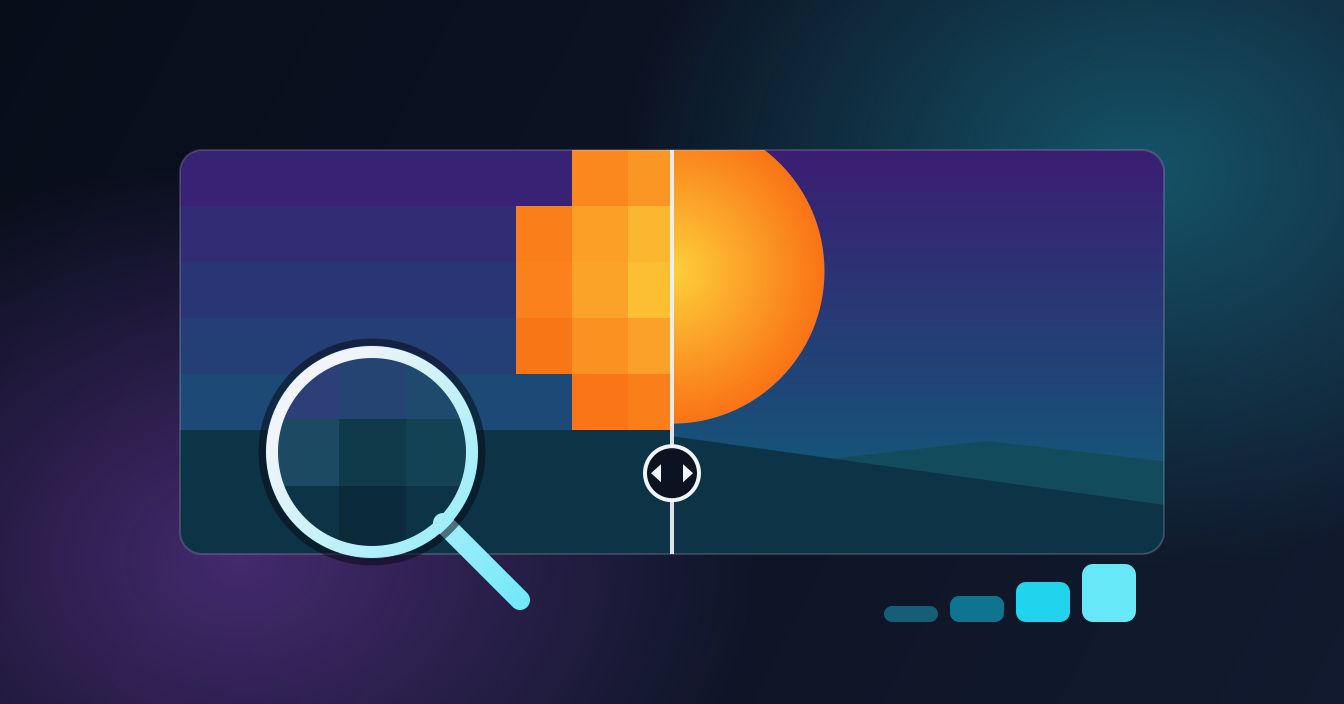
A saved clip that looks softer than it did in the app is the single most common complaint about video downloads — and it is almost never the downloader's fault. Here is the real resolution ceiling on each social platform, why the file you get is capped by what the platform stored, and how to make sure you are taking the best version available.
The one rule that explains every blurry download
A downloader hands you the file the platform is serving. It cannot add detail that was thrown away earlier, and nothing that calls itself an enhancer or upscaler on a free web page is going to reconstruct it either.
By the time a video reaches you, it has usually been re-encoded twice: once by the phone that shot it, and again by the platform after upload. Every social network re-compresses uploads to control bandwidth, and every one of them caps resolution and bitrate. So the honest expectation is this: a download matches the best copy the platform kept — no better, and no worse if you pick the right option.
That is also why the same clip can look different depending on where you found it. A Reel that was cross-posted from TikTok has been squeezed twice by two different encoders. The generation loss is baked into the file before anyone downloads anything.
What each platform actually stores
These are the practical ceilings in 2026. Treat them as the top of a range rather than a promise — what you get also depends on what the uploader gave the platform in the first place.
| Platform | Typical top resolution | Worth knowing |
|---|---|---|
| Instagram (Reels, posts, Stories) | 720 × 1280 vertical | Instagram re-encodes hard. Its sharper copies exist only as separate picture and sound tracks, so the single MP4 with sound is 720p, and there is no 4K copy, whatever the creator uploaded. |
| TikTok | 1080p or 720p when TikTok has an HD copy | Without an HD copy you get TikTok's smaller file, often 576p or 480p. The HD copies are usually H.265 (HEVC), which an older PC may need a codec to play. |
| Usually 720p HD, sometimes 1080p | The tool takes Facebook's HD copy, a single MP4 with sound, when there is one; otherwise you get SD. Sharper streams exist only as separate picture and sound tracks. | |
| X (Twitter) | Usually 720p; 1080p or sharper for Full HD uploads | Higher-resolution uploads exist on paid tiers, but X re-compresses them on the way in. |
| Up to 720p vertical | Idea Pins are stitched from segments, so quality can vary within one pin. | |
| Snapchat Spotlight | 540 × 960 vertical | Snapchat serves one file per snap, below HD; public Stories and Highlights are 480 × 852. There is no 1080p copy to fetch. |
| Up to 720p | Mostly screen-recorded or talking-head footage, which compresses well. | |
| Bluesky | 1080p ceiling, often lower | A tight per-post file-size budget means longer clips land at lower bitrates. |
The pattern is clear: 1080p is the practical ceiling across social video, several platforms stop at 720p or below, and vertical is the native shape. If a page promises you a 4K download of an Instagram Reel, it is describing something that does not exist.
How to take the best available copy
- Link to the individual post, not the profile. A profile or feed URL has no single video attached to it, and it is the cause of most outright failures.
- Read the quality options before you tap. When more than one rendition is offered, the largest file is the highest bitrate — that is the one you want, even if two options both say 1080p.
- Save once, share later. Every re-share re-compresses. Download the original, then send that file, rather than downloading something a friend already forwarded to you.
- Do not re-upload and re-download. Posting a clip to a second platform to grab it there adds another encoding pass and always loses.
You can start any of these from the platform pages: Instagram downloader, TikTok video saver, Facebook video downloader, X video downloader and Pinterest downloader. Each one resolves the post you paste and hands you the largest single file with sound that the platform serves, so there is no quality menu to get wrong.
Resolution is only half the story
Two files can both be 1080 pixels wide and look nothing alike. Resolution is how many pixels there are; bitrate is how much data is spent describing them each second. Starve the bitrate and you get blocky shadows, smeared motion and banding across a flat sky — at exactly the same resolution.
This is why a talking-head clip survives compression and a concert video falls apart. Static shots give the encoder very little to track between frames, so the same bitrate stretches much further. Fast motion, confetti, rain, smoke and hard camera pans are the worst case, and they are where social compression is most visible.
Practical upshot: when you are choosing between renditions, file size is a better guide than the label. A 1080p file at twice the size of another 1080p file is carrying twice the detail.
Frame rate and audio come along for the ride
The download preserves whatever frame rate the platform kept — usually 30fps, sometimes 60fps for gaming and sports clips. Audio is typically AAC in the 128kbps region. If you only want the sound, extracting audio from the saved file is lossless in the sense that matters here: you are copying the existing track rather than re-recording it through a speaker.
Downloading versus screen recording
Screen recording feels like a shortcut and costs you quality every time. Your recorder captures the pixels your phone painted, at your screen's brightness, with the interface on top — then encodes that a second time.
| Downloading the file | Screen recording | |
|---|---|---|
| Quality | Matches what the platform stored | Re-encoded copy of your screen |
| Interface in frame | No | Buttons, captions and status bar included |
| Audio | The original track | Silent if your phone muted system audio |
| Effort | Paste a link | Record in real time, then crop and trim |
When the download genuinely looks wrong
Some problems are not compression, and those you can fix:
- It plays soft for the first second, then sharpens. That is your gallery app streaming a preview while it reads the file. Wait a beat before judging it.
- It looks fine on the phone and terrible on a TV. A 1080p vertical clip stretched across a large screen is being scaled up by a factor of three. Nothing is wrong with the file.
- There is no sound. Silent-by-design formats exist — X stores every GIF as a muted MP4, and plenty of Pinterest video is uploaded without an audio track.
- It is noticeably smaller than the post looked. You probably grabbed a thumbnail or a preview rather than the video. Re-copy the link to the post itself.
iPhone and Android both save the same file
The download is identical on both — only where it lands differs. Safari puts it in Files → Downloads, and you move it to Photos from there. Android Chrome writes it to Downloads, and the SnapDownloader Android app skips that step by saving straight to your gallery, which also keeps the file out of a folder you will forget about. You can get the app on Google Play.
Set your expectations before you download
Social platforms are built to make video load instantly on a phone over patchy mobile data, and every quality decision follows from that. A clean 720p or 1080p vertical file is the realistic best case, and for most uses — watching it later, keeping a copy of something you made, pulling a reference into an edit — it is entirely enough.
Keep it to public posts you can already view, and treat anything you save as the creator's work: fine for your own offline viewing, worth asking about before you repost it commercially.
FAQ
Keep reading
All posts →Instagram Reel Thumbnail Size, Aspect Ratio and Safe Zone
Meta's only official Reel cover size, why 1080 × 1920 works better, what the 3:4 grid and Reels tab cut off, and where faces and text stay safe.
Download Snapchat Story Videos From a Public Link (2026)
Copy a public Story's link, paste it, and save each snap as an MP4 with sound. Steps for iPhone and Android, real quality, and why links expire.
Can You Download Snapchat Videos in HD? The Honest Answer
A Snapchat download is the exact file Snapchat serves, and we measured public Stories at 480 × 852. Why it isn't 1080p, and what helps.