
Download Instagram Photos in Full Resolution (2026 Guide)
Save public Instagram photos as full-size JPGs instead of screenshots, get every carousel slide, and see what resolution Instagram actually stores.
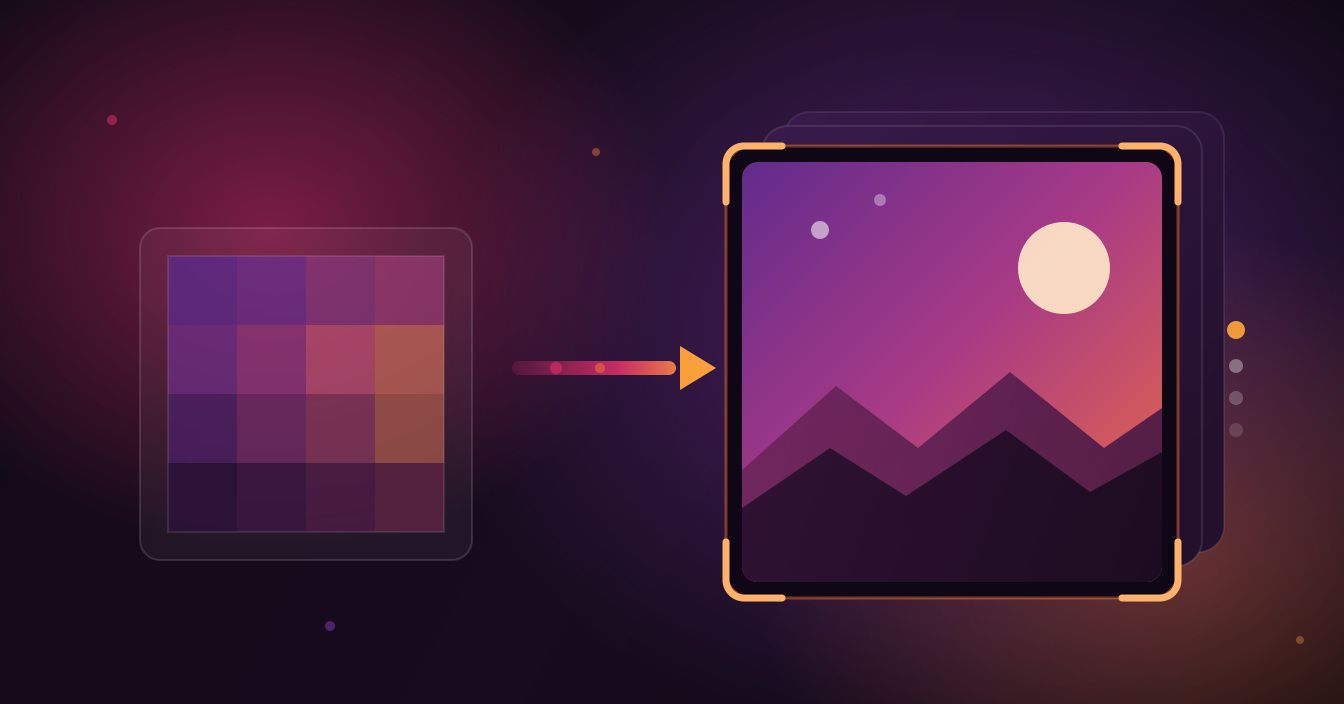
A screenshot of an Instagram photo is a picture of your screen, not the picture Instagram is holding. If you want the actual file — sharp edges, no interface, no cropping afterwards — you need the rendition Instagram stored when the post went up. Here is how to download Instagram photos at full resolution on a phone or a laptop, and what resolution you can honestly expect to get.
Why the photo on your screen is not the photo Instagram stored
Instagram serves several versions of every image. The one in the grid is a small thumbnail, the one in the feed is sized for your display, and behind both of those sits the largest rendition the platform kept after processing the upload. A screenshot captures the middle one, then bakes in whatever your screen resolution happens to be, plus the caption bar and the status icons across the top.
The Instagram photo downloader skips all of that and fetches the stored JPG directly. Same image, none of the interface, and none of the second round of compression a screenshot adds.
What "full resolution" actually means on Instagram
This is where a lot of tools oversell. Instagram resizes on upload, and it has done so for years. In practice the long edge tops out around 1080 pixels: roughly 1080 wide for a square post, 1080 by 1350 for the tall portrait crop, and a shorter height for landscape. If a photographer uploaded a 45-megapixel original, Instagram did not keep it.
So the honest promise is this — you get the largest file Instagram has, which is dramatically better than a screenshot and considerably better than the grid thumbnail, but it is not the creator's untouched original and no downloader can produce one. Any tool advertising 4K Instagram photos is upscaling and calling it a feature.
Who actually needs the full-size file
Screenshot quality is fine for a group chat. It stops being fine the moment the image has to do a job:
- Moodboards and reference folders. Fifty screenshots with status bars and half-cropped captions age badly; fifty clean JPGs stay usable.
- Printing. A phone screenshot at print size falls apart. The stored file is the only version with enough pixels to survive it.
- Your own posts. If you lost the original off your camera roll, the version Instagram kept is better than nothing and better than re-shooting your screen.
- Client and portfolio work. Collecting a brand's grid for a proposal looks very different when the images are clean.
The gap between the two options is not subtle — it shows up the first time you zoom in.
Download a public Instagram photo in three steps
- Copy the post link. In the app, tap the three dots above the post and choose Copy link. On the web, copy the address bar URL — it looks like instagram.com/p/ followed by a short code.
- Paste it into the tool. Open the photo downloader and drop the link into the Paste field.
- Tap Download. The image comes back as a JPG at the largest size available. Carousel posts return every slide separately rather than only the cover.
There is no signup, no app to install, and nothing to sign into on Instagram's side. This works on public posts only, which is the point — you are saving something you can already see.
On iPhone (Safari)
Tap the download link and Safari hands the file to the Files app, where it lands in Downloads. To get it into your camera roll instead, open it in Files, tap the share icon, and choose Save Image. You can also long-press the previewed photo and pick Add to Photos directly.
On Android (Chrome)
Downloads save straight to your Downloads folder, and your Gallery or Google Photos app usually shows them within a few seconds. If a picture does not appear, open the Files app and check the Downloads folder — the media scanner sometimes lags behind by a minute.
On desktop
The image opens in a new tab; right-click and choose Save image as. Worth doing this route when you plan to edit, because the file dimensions are visible before you commit.
Getting every slide out of a carousel
Carousels are the reason most people give up on manual saving. Ten slides means ten screenshots, ten crops, and one of them always ends up misaligned.
Paste a carousel link and the tool returns the slides as separate full-size JPGs, so you can take all of them or just the two you actually wanted. Two limits are worth knowing up front:
- Very long posts can come back short. On lengthy carousels the tool sometimes returns fewer images than the post contains, and it tells you when that happens rather than quietly handing you a partial set.
- Mixed carousels need a second pass. If some slides are videos, the photo tool handles the images and the main Instagram downloader handles the video slides.
Downloader vs screenshot vs Instagram's own options
| Method | Quality you get | Works for |
|---|---|---|
| SnapDownloader photo tool | The stored JPG at its largest size, no interface, every carousel slide | Any public post, any device with a browser |
| Screenshot | Capped at your screen size, re-compressed, needs cropping | Anything visible, if quality does not matter |
| Instagram's Save button (bookmark) | No file at all — it bookmarks the post inside the app | Coming back to a post later, online only |
| Instagram's data download | Full archive quality, but only your own uploads | Backing up your own account, arrives by email after a wait |
If what you want is a backup of your own posts, Instagram's built-in data download is the right tool and it is free — request it from the account settings. The downloader is for the everyday case of saving a public photo someone else posted.
When it does not work, it is usually one of these
The account is private
Private posts and close-friends content are not publicly served, so no tool can reach them. That limitation is deliberate and there is no workaround worth trusting.
The link is not a post link
Profile links, story links and search results will not resolve. Open the single post first so the URL contains /p/ and the short code after it.
You wanted the profile picture
Avatars live outside the post system and have their own page — use the Instagram profile picture downloader for those, which pulls the full-size version rather than the tiny circle in the app.
The photo still looks soft
Check what you started with. A heavily compressed upload, a photo of a photo, or a screenshot someone else posted will look soft at any size — the downloader gives you the file, not a repair job.
Saving other people's photos, sensibly
Downloading a public photo for your own reference, offline viewing or a personal board is normal use. Reposting it as your own or putting it into anything commercial is a different thing entirely, and the photographer still owns the image. Tag the original account when you share, and ask before money enters the picture.
Photos are one piece of it
If your Instagram saving goes beyond stills, the same paste-a-link approach covers Reels and the audio from them through the Instagram to MP3 page. All of it runs in the browser, on iPhone as well as Android, with nothing to install.
Android users who save a lot can skip the browser step: the SnapDownloader Android app puts downloads straight into your gallery, keeps them running in the background, and lets you send a link from Instagram through the share sheet without copying anything by hand.
FAQ
Keep reading
All posts →Download Snapchat Story Videos From a Public Link (2026)
Copy a public Story's link, paste it, and save each snap as an MP4 with sound. Steps for iPhone and Android, real quality, and why links expire.
Can You Download Snapchat Videos in HD? The Honest Answer
A Snapchat download is the exact file Snapchat serves, and we measured public Stories at 480 × 852. Why it isn't 1080p, and what helps.
Instagram Reel Thumbnail Size, Aspect Ratio and Safe Zone
Meta's only official Reel cover size, why 1080 × 1920 works better, what the 3:4 grid and Reels tab cut off, and where faces and text stay safe.